
- Help Center
- Loyalty Points & Coupons
Where do I enter my coupon code?
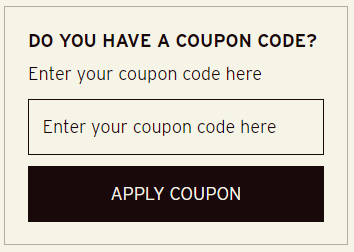
Once you’ve chosen your products and added them to your basket, open your basket and scroll down. There you’ll find a box where you can enter your coupon code!
Once you’ve chosen your products and added them to your basket, open your basket and scroll down. There you’ll find a box where you can enter your coupon code!